Lecture VideoFreeMisinformation, AI, & Science PhotographyFrom RES.10-001: Making Science and Engineering Pictures: A Practical Guide to Presenting Your WorkFormat: Online
Lecture VideoFreeWeek 0: Welcome VideoFrom RES.10-001: Making Science and Engineering Pictures: A Practical Guide to Presenting Your WorkFormat: Online
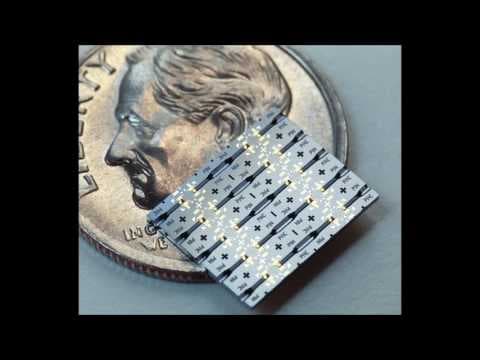
Lecture VideoFreeVideo 27: Soft Lithography Case StudyFrom RES.10-001: Making Science and Engineering Pictures: A Practical Guide to Presenting Your WorkFormat: Online
CourseFreeMaking Science and Engineering Pictures: A Practical Guide to Presenting Your WorkStarts: AnytimeFormat: Online
Lecture VideoFreeVideo 28: Chemical Vapor Deposition Case StudyFrom RES.10-001: Making Science and Engineering Pictures: A Practical Guide to Presenting Your WorkFormat: Online
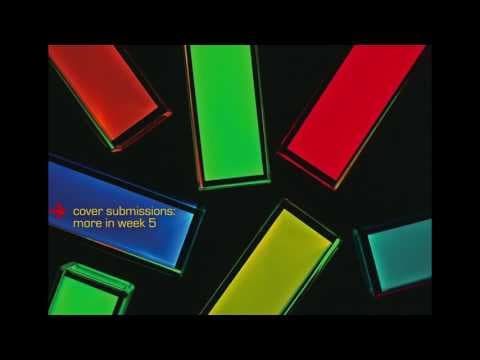
Lecture VideoFreeVideo 20: Cover SubmissionsFrom RES.10-001: Making Science and Engineering Pictures: A Practical Guide to Presenting Your WorkFormat: Online
Lecture VideoFreeVideo 29: Analytical Microreactor Case StudyFrom RES.10-001: Making Science and Engineering Pictures: A Practical Guide to Presenting Your WorkFormat: Online
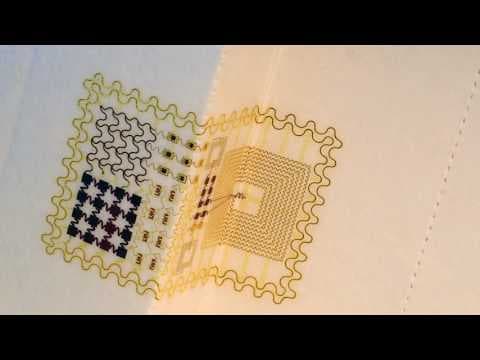
Lecture VideoFreeVideo 30: Stretchable Sensors Case StudyFrom RES.10-001: Making Science and Engineering Pictures: A Practical Guide to Presenting Your WorkFormat: Online
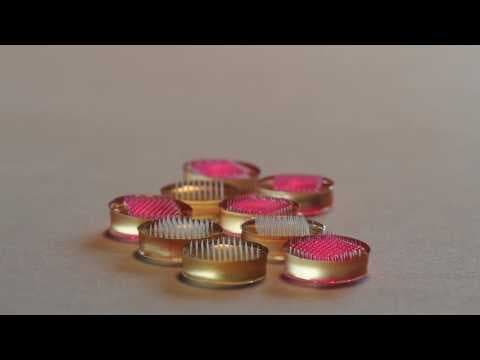
Lecture VideoFreeVideo 26: Microneedles Case StudyFrom RES.10-001: Making Science and Engineering Pictures: A Practical Guide to Presenting Your WorkFormat: Online
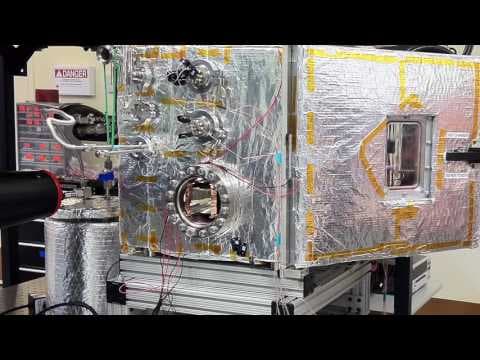
Lecture VideoFreeVideo 24: Fuel Cells for Mobile Batteries Case StudyFrom RES.10-001: Making Science and Engineering Pictures: A Practical Guide to Presenting Your WorkFormat: Online
Lecture VideoFreeVideo 15: Imaging with a Tablet CameraFrom RES.10-001: Making Science and Engineering Pictures: A Practical Guide to Presenting Your WorkFormat: Online
Lecture VideoFreeVideo 31: Solar Cell Case StudyFrom RES.10-001: Making Science and Engineering Pictures: A Practical Guide to Presenting Your WorkFormat: Online
Lecture VideoFreeVideo 18: Designing GraphicsFrom RES.10-001: Making Science and Engineering Pictures: A Practical Guide to Presenting Your WorkFormat: Online
Lecture VideoFreeA Conversation with Christine Daniloff, Creative Director at MIT NewsFrom RES.10-001: Making Science and Engineering Pictures: A Practical Guide to Presenting Your WorkFormat: Online
Lecture VideoFreeGenerative AI and Science PhotographyFrom RES.10-001: Making Science and Engineering Pictures: A Practical Guide to Presenting Your WorkFormat: Online
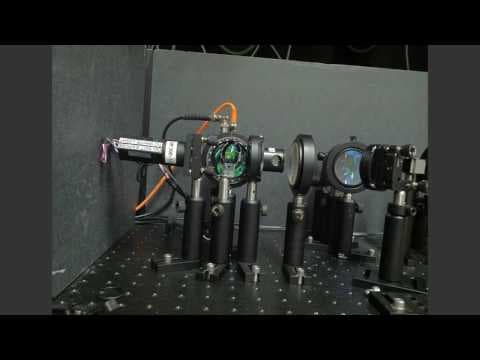
Lecture VideoFreeVideo 25: A Solar Thermophotovoltaic System (STVP) Case StudyFrom RES.10-001: Making Science and Engineering Pictures: A Practical Guide to Presenting Your WorkFormat: Online
Lecture VideoFreeVideo 22: Speaking to the PublicFrom RES.10-001: Making Science and Engineering Pictures: A Practical Guide to Presenting Your WorkFormat: Online
Lecture VideoFreeVideo 23: Liquid Battery Case StudyFrom RES.10-001: Making Science and Engineering Pictures: A Practical Guide to Presenting Your WorkFormat: Online
Lecture VideoFreeVideo 12: FluorescenceFrom RES.10-001: Making Science and Engineering Pictures: A Practical Guide to Presenting Your WorkFormat: Online
Lecture VideoFreeVideo 16: "Beautiful Chemistry"From RES.10-001: Making Science and Engineering Pictures: A Practical Guide to Presenting Your WorkFormat: Online
Lecture VideoFreeVideo 17: Looking at VideosFrom RES.10-001: Making Science and Engineering Pictures: A Practical Guide to Presenting Your WorkFormat: Online
Lecture VideoFreeVideo 13: Use Your ImaginationFrom RES.10-001: Making Science and Engineering Pictures: A Practical Guide to Presenting Your WorkFormat: Online
Lecture VideoFreeVideo 21: Image EnhancementFrom RES.10-001: Making Science and Engineering Pictures: A Practical Guide to Presenting Your WorkFormat: Online
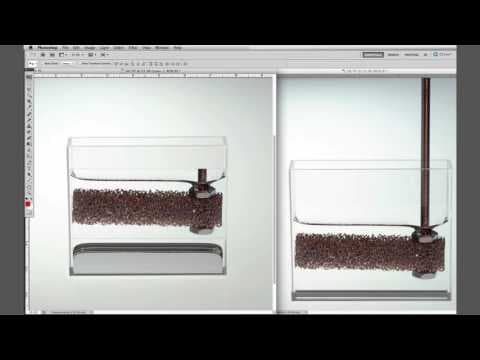
Lecture VideoFreeHow-To-Do-It: Convert an Image from Horizontal to VerticalFrom RES.10-001: Making Science and Engineering Pictures: A Practical Guide to Presenting Your WorkFormat: Online
Lecture VideoFreeVideo 4: Enhancing the Scanned ImageFrom RES.10-001: Making Science and Engineering Pictures: A Practical Guide to Presenting Your WorkFormat: Online
Lecture VideoFreeVideo 10: Point of ViewFrom RES.10-001: Making Science and Engineering Pictures: A Practical Guide to Presenting Your WorkFormat: Online
Lecture VideoFreeVideo 9: BackgroundsFrom RES.10-001: Making Science and Engineering Pictures: A Practical Guide to Presenting Your WorkFormat: Online
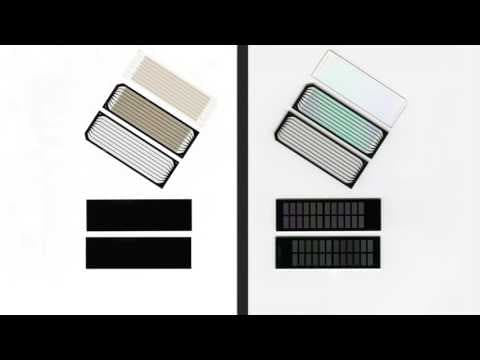
Lecture VideoFreeVideo 3: Transmitted and Reflected LightFrom RES.10-001: Making Science and Engineering Pictures: A Practical Guide to Presenting Your WorkFormat: Online
Lecture VideoFreeVideo 19: Time and ScaleFrom RES.10-001: Making Science and Engineering Pictures: A Practical Guide to Presenting Your WorkFormat: Online
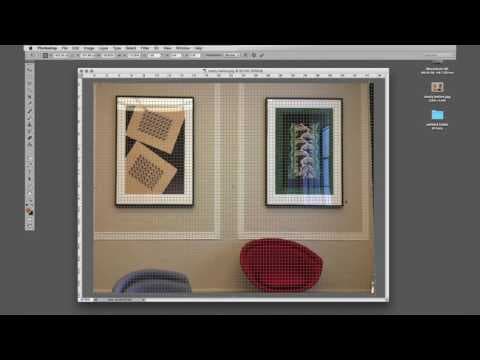
Lecture VideoFreeHow-To-Do-It: Fix Mobile DistortionFrom RES.10-001: Making Science and Engineering Pictures: A Practical Guide to Presenting Your WorkFormat: Online
Lecture VideoFreeVideo 14: Using a SmartphoneFrom RES.10-001: Making Science and Engineering Pictures: A Practical Guide to Presenting Your WorkFormat: Online
Lecture VideoFreeVideo 5: Camera and LensFrom RES.10-001: Making Science and Engineering Pictures: A Practical Guide to Presenting Your WorkFormat: Online
Lecture VideoFreeHow-To-Do-It: Sharpen an ImageFrom RES.10-001: Making Science and Engineering Pictures: A Practical Guide to Presenting Your WorkFormat: Online
Lecture VideoFreeA Conversation with Brian Hayes, Writer and PhotographerFrom RES.10-001: Making Science and Engineering Pictures: A Practical Guide to Presenting Your WorkFormat: Online
Lecture VideoFreeHow-To-Do-It: Set Your ScannerFrom RES.10-001: Making Science and Engineering Pictures: A Practical Guide to Presenting Your WorkFormat: Online






 Massachusetts Institute of Technology